Find important books for research, check availability in the library, and create citations with this free resource.
RedLightGreen is a new way to search for books!
Search like you would in Google - one search box to look for books
Easily create the proper citation format for you paper (i.e. MLA style,
APA, Turabian, Chicago)
Get easier results - one listing for multiple formats and editions
Find the most popularly owned books from libraries across the country -
then zero into your library
Link out to Google, booksellers and other sites with a single click
Search across nearly 120 million records included in RedLightGreen
What you need to know to be an effective searcher:

Search RedLightGreen for books
To find if your library has the book, click on Get it at your library.
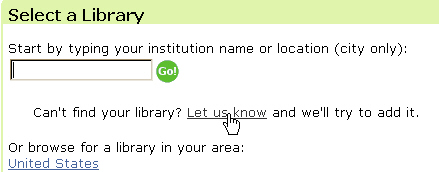
Set RedLightGreen to check what is held at your library.
Create an account with RedLightGreen in order to:
email and print a citation
set your library as the default institution where you'd
like RedLightGreen to find a specific title
set a default citation style (i.e. MLA or Chicago style)
Use the green indicator bar to determine the ranking of your results list:
More green in the bar indicates that the book
is more likely to relate to your topic in a meaningful way and a number
of academic libraries have a copy of the title. A title chosen by many
of the world's most trusted research libraries will likely have high academic
value and meet the research standards expected among university professors.